Branded Email for Indian Businesses — Why name@yourbusiness.in Matters
Why an email address on your own domain wins more trust than Gmail, what you need to set it up, and the SPF, DKIM and DMARC settings that keep you out of spam.
 S. A. KarimFounder, A3 Digital Services
Updated 12 Nov 2026 · 3 min read
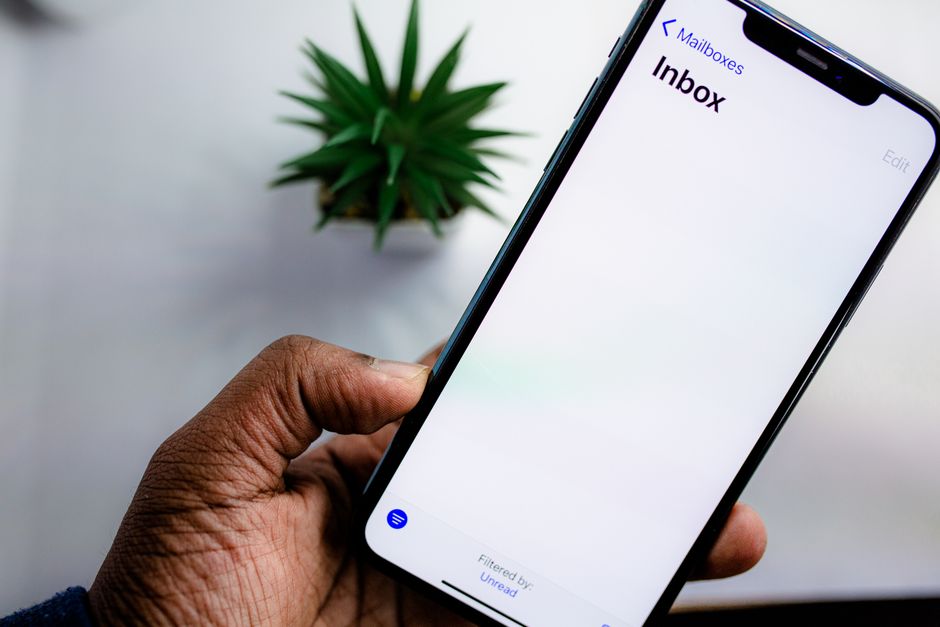
When a buyer receives a quotation from sharmaenterprises2019@gmail.com and another from sales@sharmaenterprises.in, most will trust the second one more, even before reading it. A branded email address costs little, takes a day to set up, and quietly makes every message you send look more established.
This guide explains why it matters for Indian businesses, what you need, and the technical settings that decide whether your emails reach the inbox or the spam folder.
Why a free address holds you back
- Trust: corporate buyers, hospitals, government departments and developers in NCR often check the email domain before they open an attachment.
- Fraud risk: anyone can create a Gmail address that looks like yours. Nobody else can send from your own domain once it is set up properly.
- Ownership: when an employee leaves, a mailbox on your domain stays with the business. A personal Gmail address leaves with them.
- Consistency: your website, visiting card, letterhead and email all show the same name. See how this fits into a full brand launch.
What you need
A domain
Ideally the same one as your website: yourbusiness.in or yourbusiness.com. Register it in the business’s name, not your designer’s.
An email plan
A mailbox service attached to your domain. You can read and send mail in the Gmail or Outlook apps on your phone, so nothing changes in how you work day to day.
Addresses that match how you work
Most small businesses need a few: info@ for the website and visiting card, a personal address for the owner, and perhaps accounts@ or sales@. Forwarding addresses can send copies to the right person without extra mailboxes.
The settings that keep you out of spam
Since 2024, Gmail and Yahoo have required senders to prove that their email is genuine. Google’s email sender guidelines set out the rules. In practice, three records in your domain’s DNS do the job:
- SPF lists the servers that are allowed to send email for your domain.
- DKIM adds a digital signature to every email, so the receiver can check it was not altered.
- DMARC tells receivers what to do with email that fails those checks, and sends you reports about it.
Without them, even genuine quotations can land in spam, and anyone can send email that pretends to come from you. With them in place, most delivery problems disappear.
Make every email look like your business
A simple signature with your name, role, phone, WhatsApp, website and logo finishes the job. Keep it as text plus one small logo rather than one large image, because many email apps block images by default. If you do not have a logo yet, our logo design service includes a version sized for signatures and WhatsApp profile pictures, and our guide on why a logo matters explains the rest.
Moving from Gmail without losing anything
- Set up the new domain mailboxes and the SPF, DKIM and DMARC records.
- Import your old mail and contacts if you want them in the new mailbox.
- Set the old Gmail address to forward to the new one, and reply from the new one.
- Update your website, Google Business Profile, visiting cards and WhatsApp Business profile.
How we handle it
We supply the domain and email plan, set up every record, connect your phone and computer, and bill you once a year so renewals never lapse. Read more on our branded email page, or our business email for international clients page if you are outside India.
{From the studio} Logo design Logos that work on a signboard, a visiting card and a WhatsApp profile picture. See how we do it ↗
S. A. KarimFounder, A3 Digital ServicesDesigning websites and brands for businesses since 2009. Before that, Application Engineer at Autodesk.